
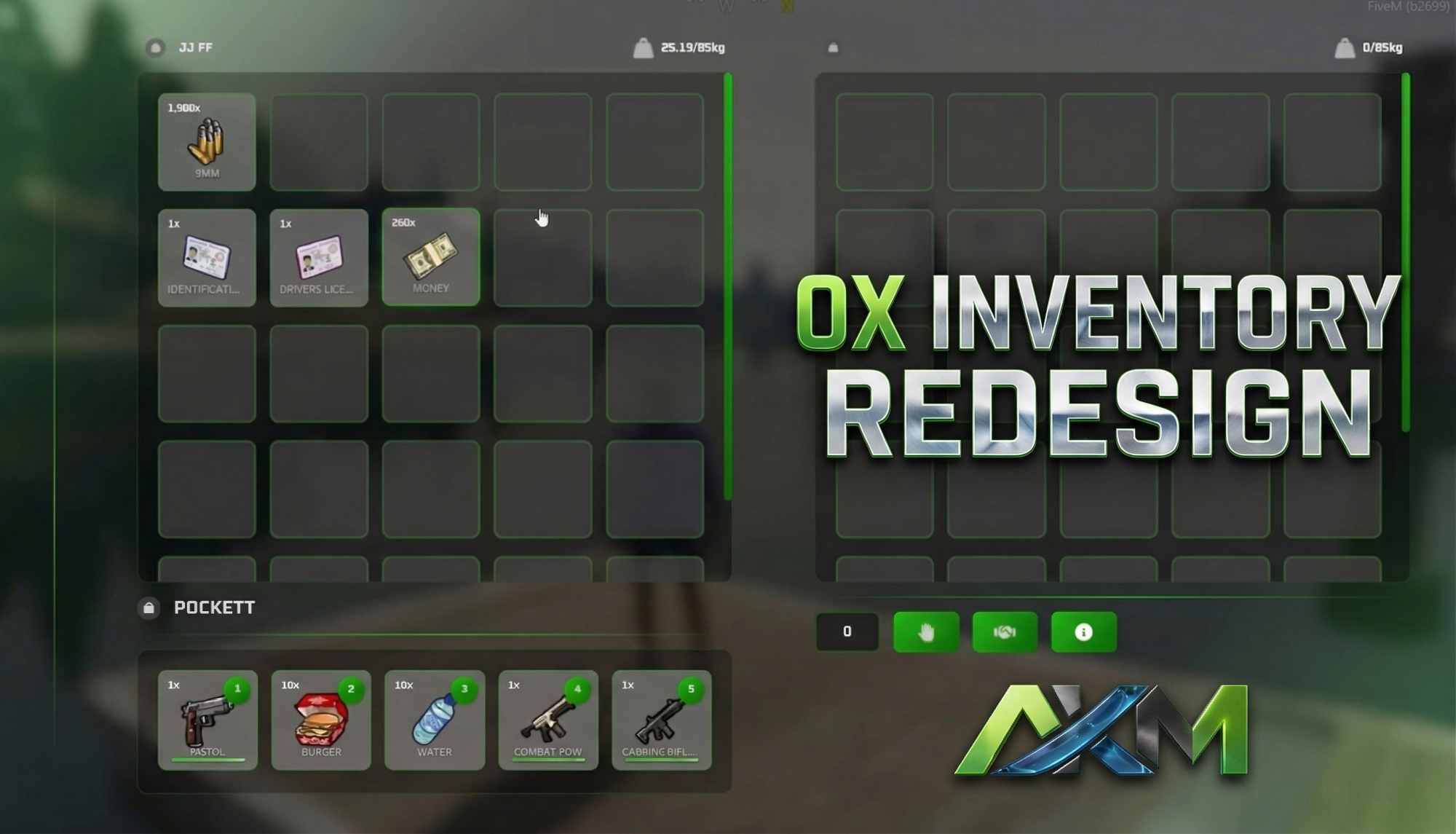
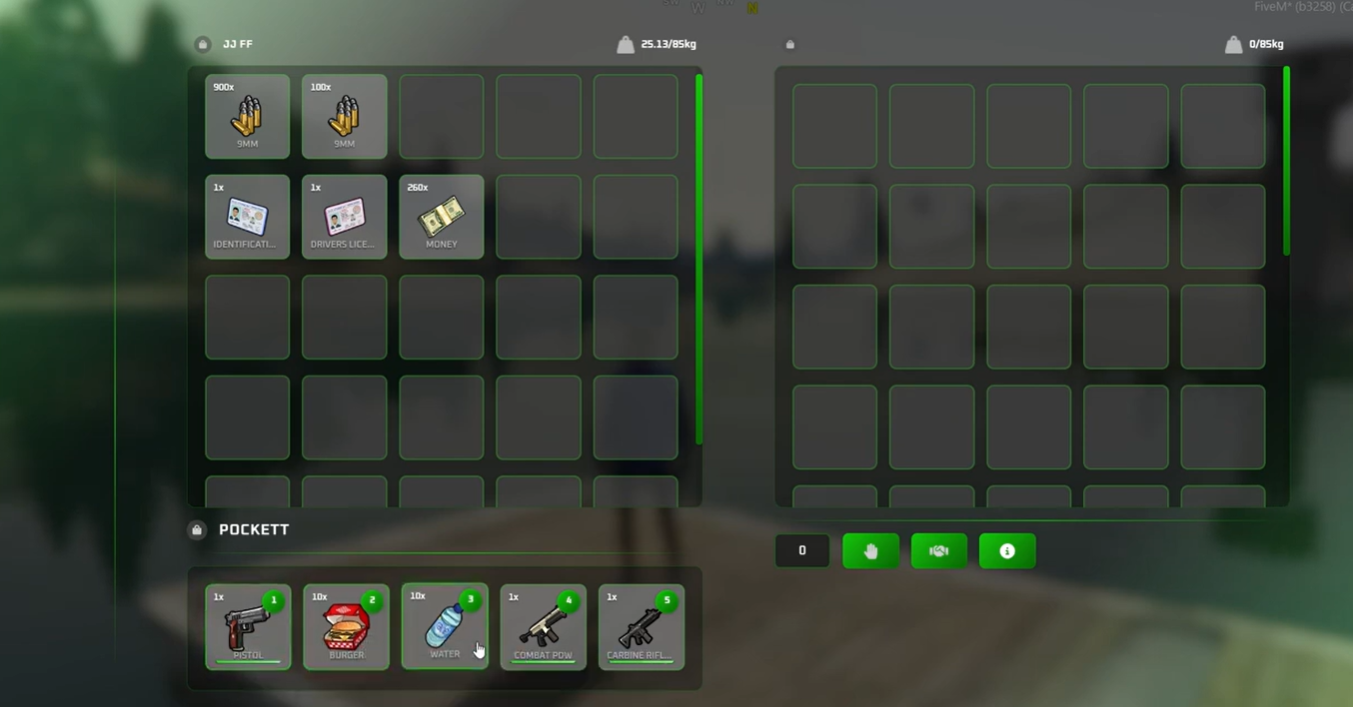
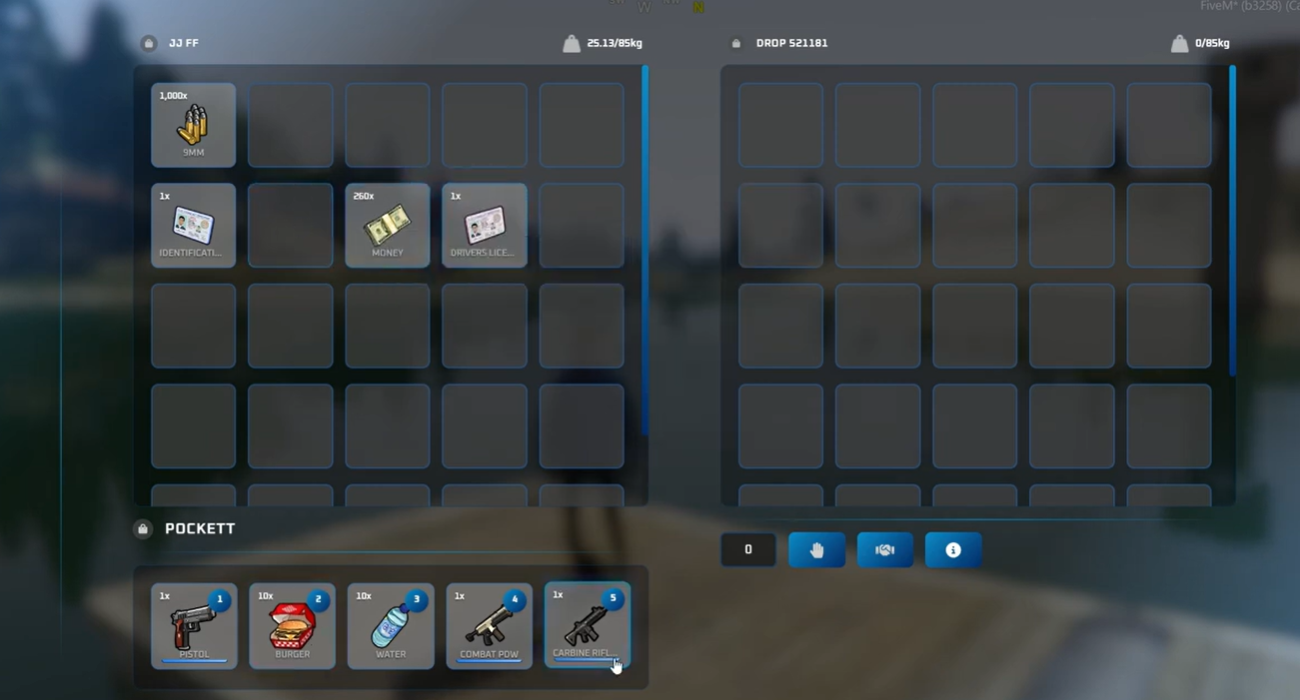
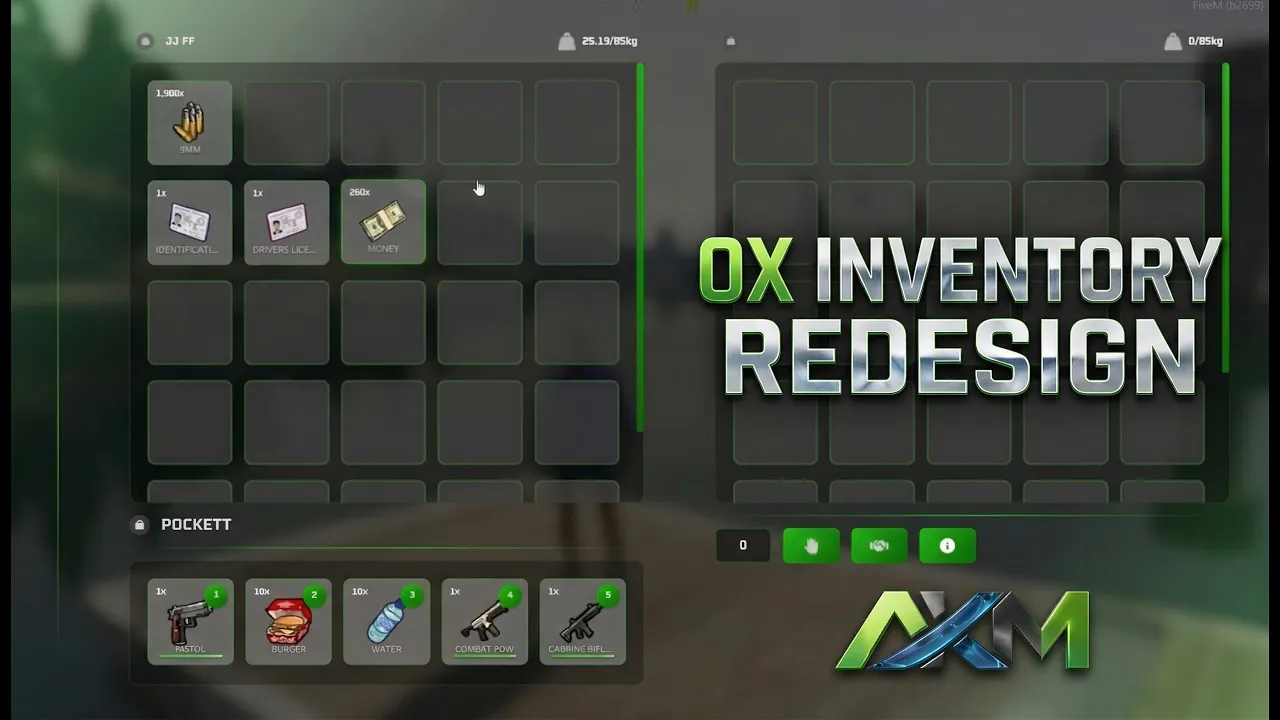
This project provides a complete, modern visual overhaul for the standard OX Inventory system. Designed with the player experience in mind, this redesign delivers a clean, intuitive, and highly responsive interface that makes item management, looting, and crafting seamless.
Key Features:
- Enhanced User Experience (UX): Streamlined navigation and cleaner layouts for faster inventory management.
- Modernized Interface (UI): A fresh, contemporary design that replaces the default look with premium styling.
- Lightweight: Fully optimized to maintain high performance without causing lag or delays in-game.
Installation Guide:
- Download the redesign files.
- Navigate to your server's resources folder and open your
ox_inventoryfolder. - Replace the default "web" files with the newly downloaded redesign files. (Note: It is highly recommended to back up your original files first!)
- Restart your server or run
ensure ox_inventoryin your server console.
Customization: You can easily change the color scheme to match your server's specific branding and theme.
- Navigate to the following file path:
\ox_inventory\web\build\assets\theme.css - Open the file in any text editor and adjust the CSS color codes to your liking.
